
A / Change a
Change a price in seconds.
Categories, products, prices, descriptions and visibility in one calm workspace.
For every business with a menu. Update prices, add languages and make it yours. The QR code on the table stays the same.
Annual membership · No trial
Pick a place. Explore its menu. The same simple tools, with a different palette, photography and personality.
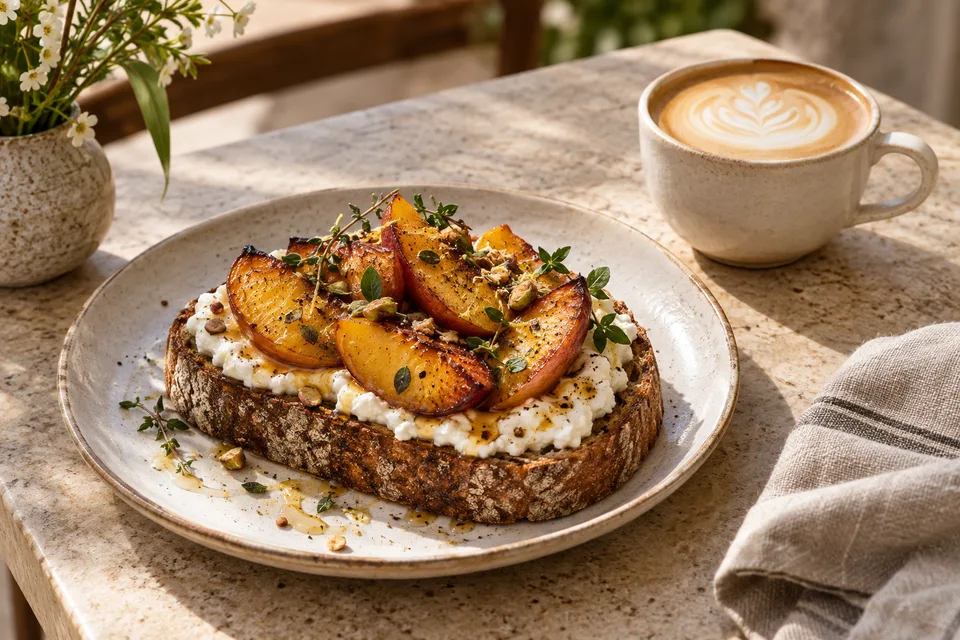 Design example · Not a customer menu
Café & brunch / Sample menu
A slower start. A better morning.
Toasted sourdough, peach, honey and fresh thyme
Sourdough toast and seasonal greens
Double espresso, silky milk
Sample items and USD prices are for illustration only.
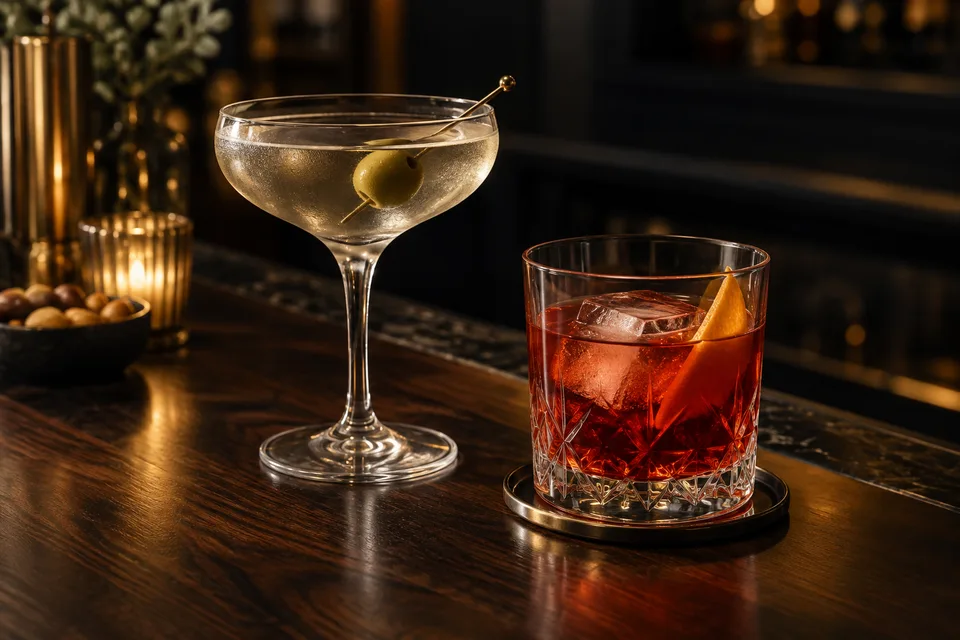 Design example · Not a customer menu
Cocktail bar / Sample menu
The evening has a menu of its own.
Gin, dry vermouth and olives
Tequila, grapefruit and soda
Citrus peel and fresh herbs
Sample items and USD prices are for illustration only.
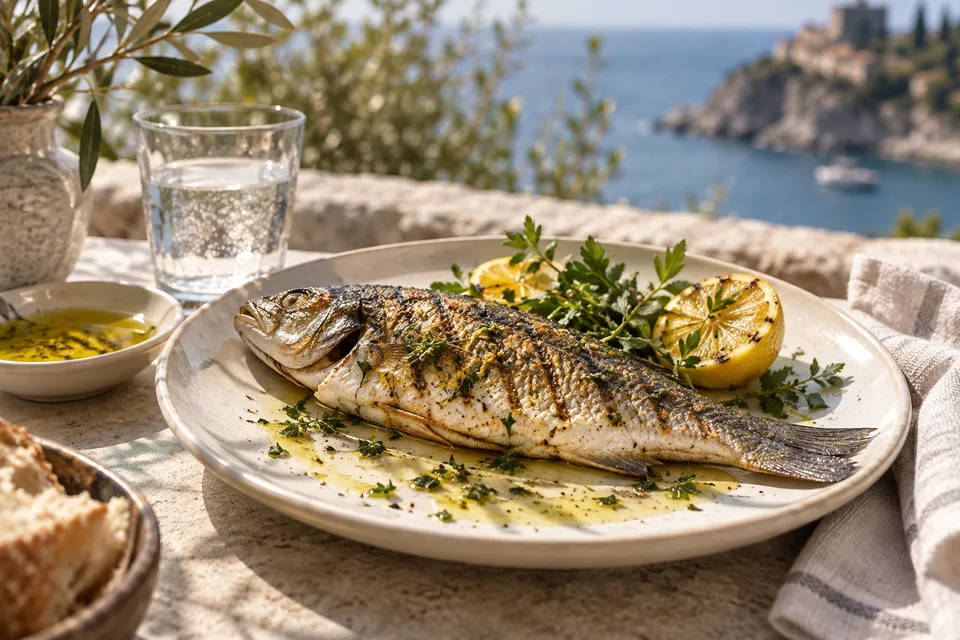 Design example · Not a customer menu
Coastal dining / Sample menu
From the sea to your table.
Lemon, olive oil and fresh herbs
Tomatoes, cucumber and feta
Fresh lemon and mint
Sample items and USD prices are for illustration only.
Everything your venue needs, in one annual membership.
Make your guests’ first impression faster and better, without the complexity of orders, kitchens or accounting.
Categories, products, prices, descriptions and visibility in one calm workspace.
See missing translations, arrange languages and publish when ready.
Logo, colours, typography and layout. Start with a theme and make it your own.
Your menu changes. The QR code and link on the table stay the same.
Upload a product photo. QRider optimizes its size to keep your menu light.
See menu views, daily trends and your guests’ language preferences.
Add your categories and products in the editor. Keep prices, descriptions and photos in one place.
Pick a theme and adjust colours, your logo, typography and product layout with a live preview.
Put your QR code on the table. Publish future changes without printing again.
Create your account and start the annual membership. Menu editing, design, preview, QR downloads and publishing unlock after payment is verified. There is no free trial; explore the live demo before purchasing.
Cancel renewal through subscription management on your membership page. Access continues until the end of the paid period. When membership ends, the published menu is hidden from guests; you can use your existing menu again after subscribing.
For restaurants, cafés, bars, bakeries, hotels, kiosks, beach venues and other businesses that want to share a menu with a QR code. QRider focuses on menus with categories, descriptions, images and prices.
No. Published changes appear at the same link and QR code.
Yes. You can connect a root domain or subdomain you own from the dashboard and use it for your menu after DNS and certificate validation. Root domains may require CNAME flattening or ALIAS support from your DNS provider.
No. QRider focuses on a fast, beautiful digital menu. It is not a POS or table-ordering system.
You can add your products individually in the editor. Automatic PDF import is not currently available.
No. Scanning the QR code opens the menu directly in their browser.
No. You edit your menu copy for the 8 supported languages. Missing translations fall back to the menu’s primary language.
Explore the live demo. Get your annual membership and publish your menu.
Get annual membership